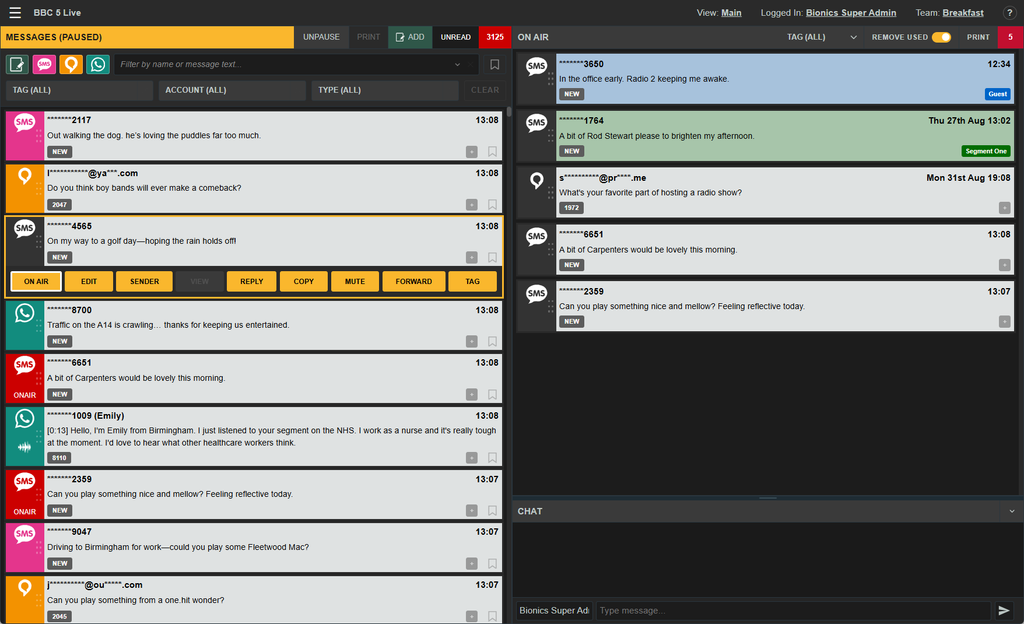
The main console window contains three main areas.
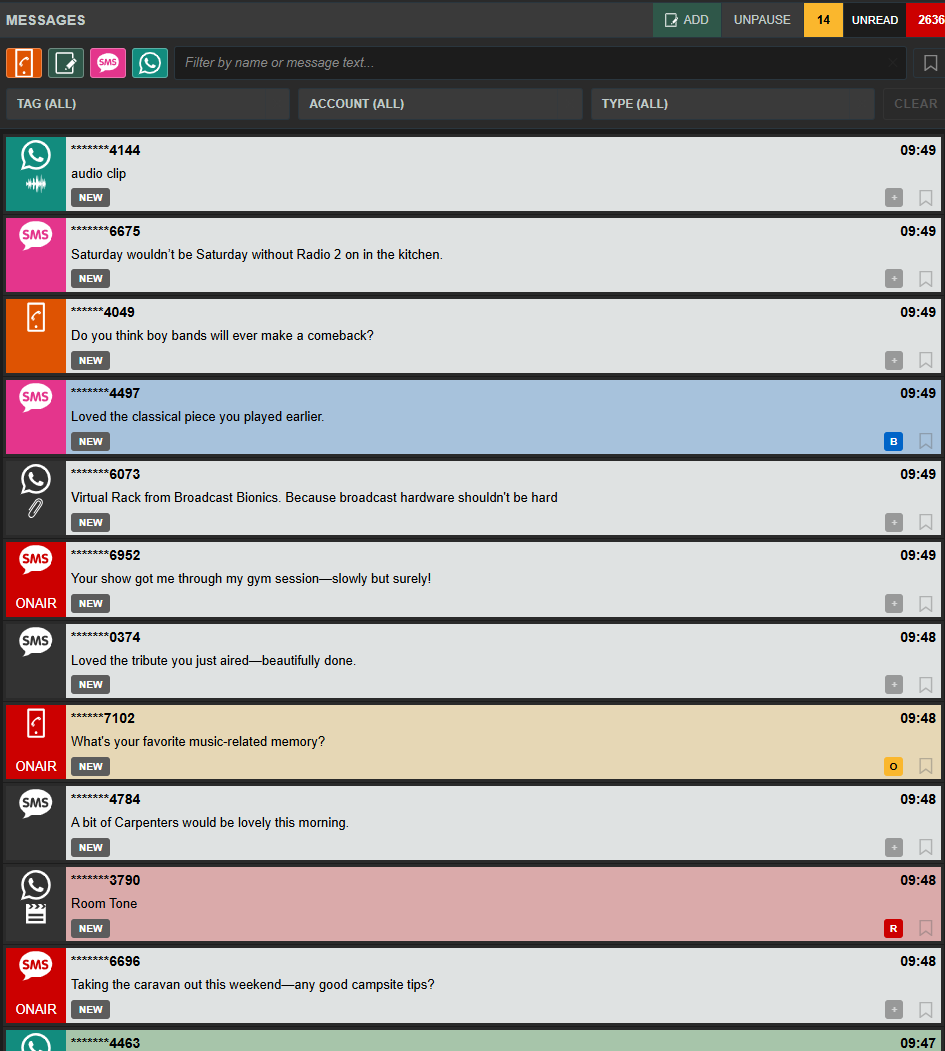
To the left the Message Queue is the where new messages will arrive.
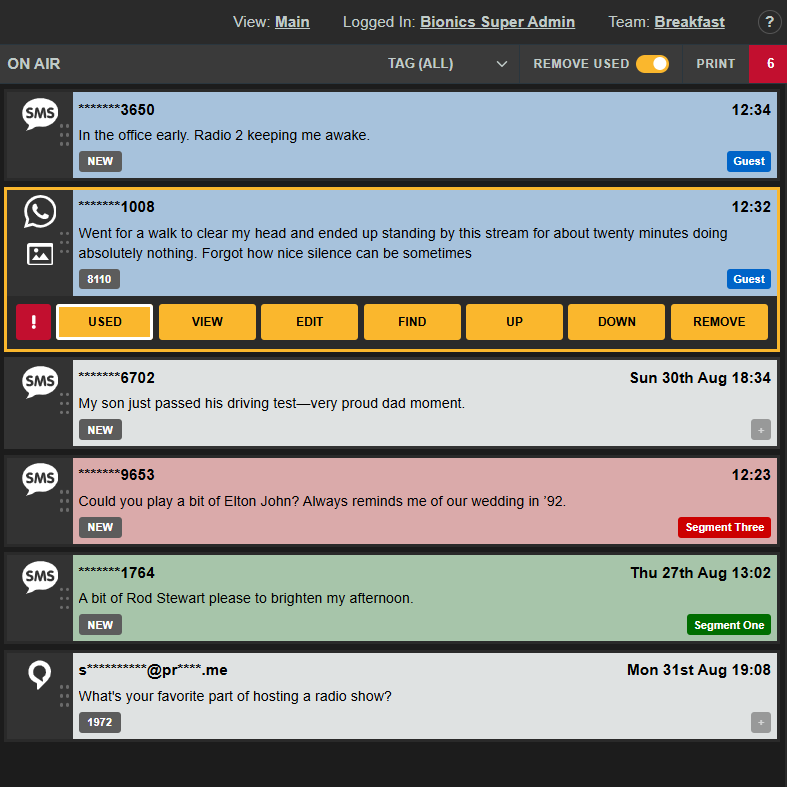
To the Right is the On Air Queue where messages selected for use by the presenter appear:
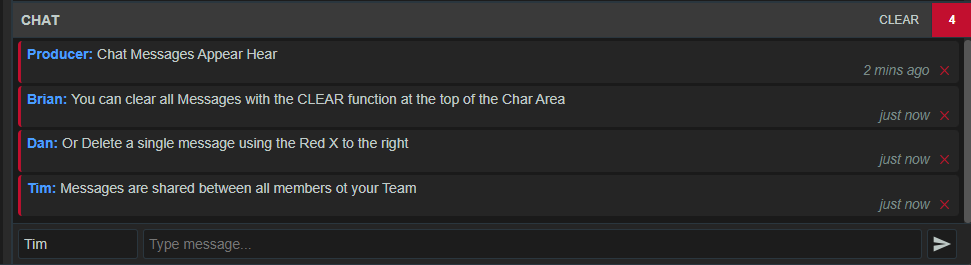
And to the lower left is the Chat panel where members within each team share a real-time chat channel.
This chat channel is unique to your Team.
When Bionic Cloud is shown in a narrower browser window, when the browser is docked, or when you are using a mobile device, the console may switch to a tabbed view.
This view supports docked or mobile workflows and you have access to Messages / On Air Queue / Chat in three different tabs.
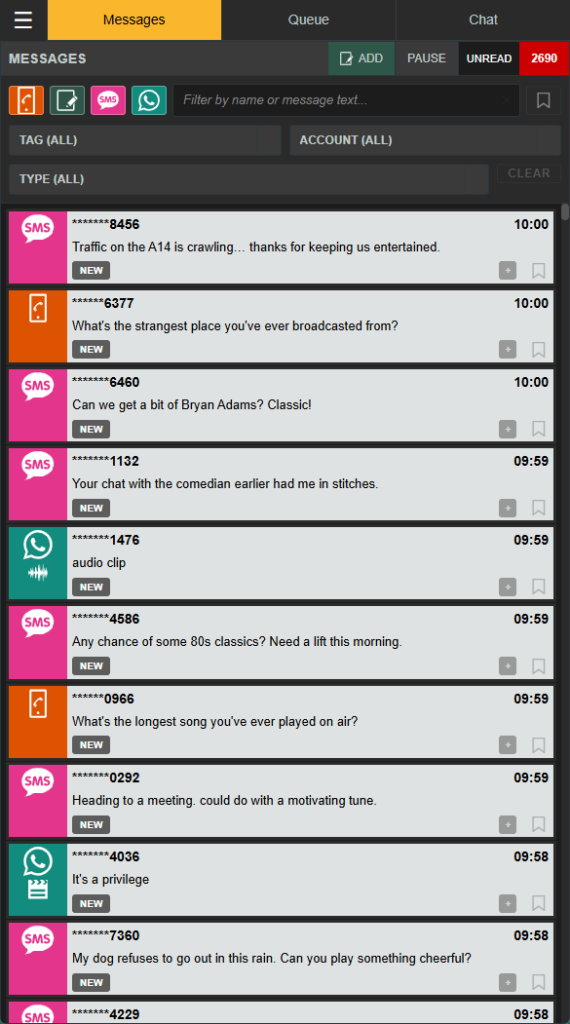
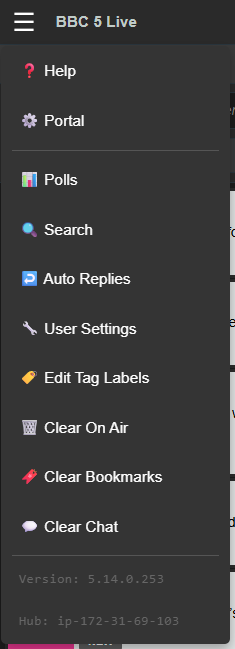
The Hamburger menu provides access to additional functionality such as clearing the On Air Queue, Bookmarks and Chat as well as direct access to setting up Tags without going via a message for use prior your programme.