
The On Air Queue is the curated list of messages prepared for the presenter.
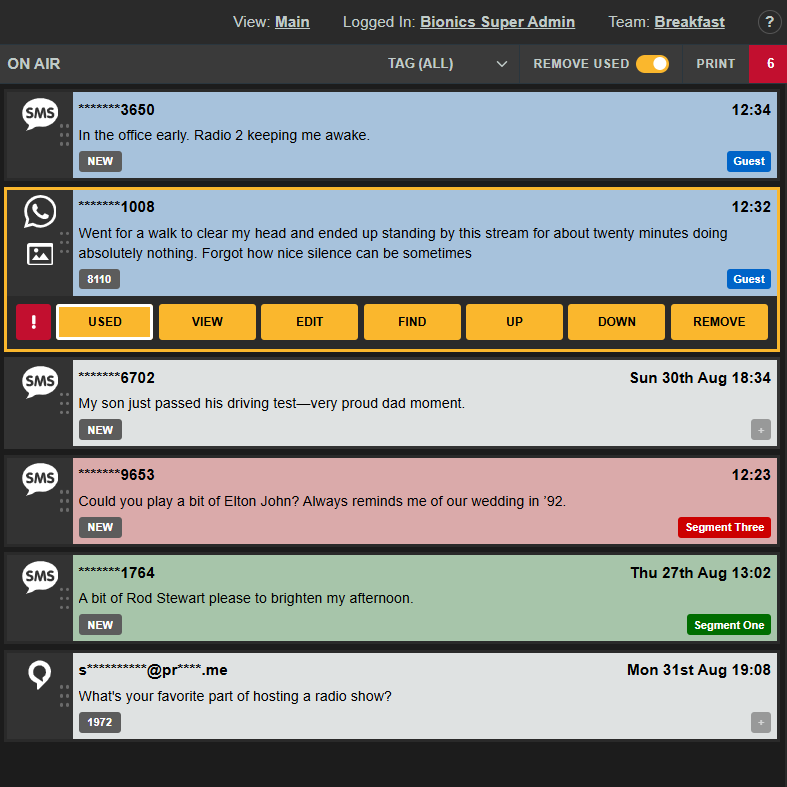
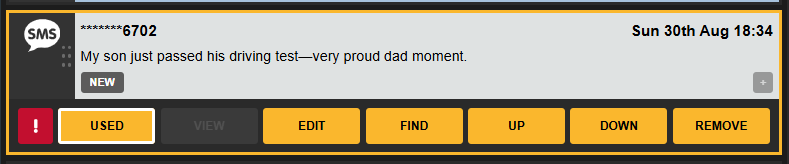
A selected item in the On Air Queue has the following options :
! : Flashes the message in the On Air Queue across all members of your team for 5 seconds to Alert presenters to it.
USED : Marks the message as USED On Air by the presenter
VIEW : Display image or preview audio/video
EDIT : Enables editing of message or application of a presenter note.
FIND : Selects this message in the Message Queue for Editing or Tagging
New messages are always added to the bottom of the queue. If you want a new item to be read ahead of others, you can promote it higher up the list.
UP : Moves the message higher in the On Air Queue (ctrl and press the up arrow key)
DOWN : Moves the message lower in the On Air Queue (ctrl and press the down arrow key)
REMOVE : Takes the message out of the On Air Queue without marking it as USED
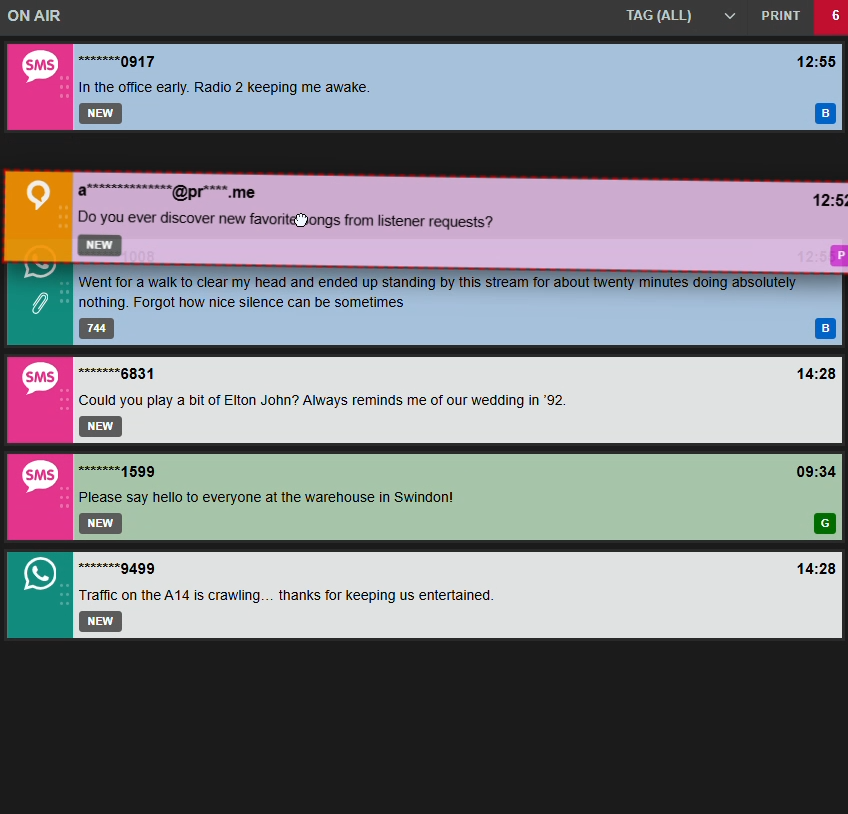
You can also drag and drop items in the On Air Queue to reorder them :
USED Behaviour
Toggle REMOVE USED
ON : Clicking USED marks Items as USED and immediately removes them from the Queue
OFF : Clicking USED marks Items and dims them but they must be removed later from the Queue
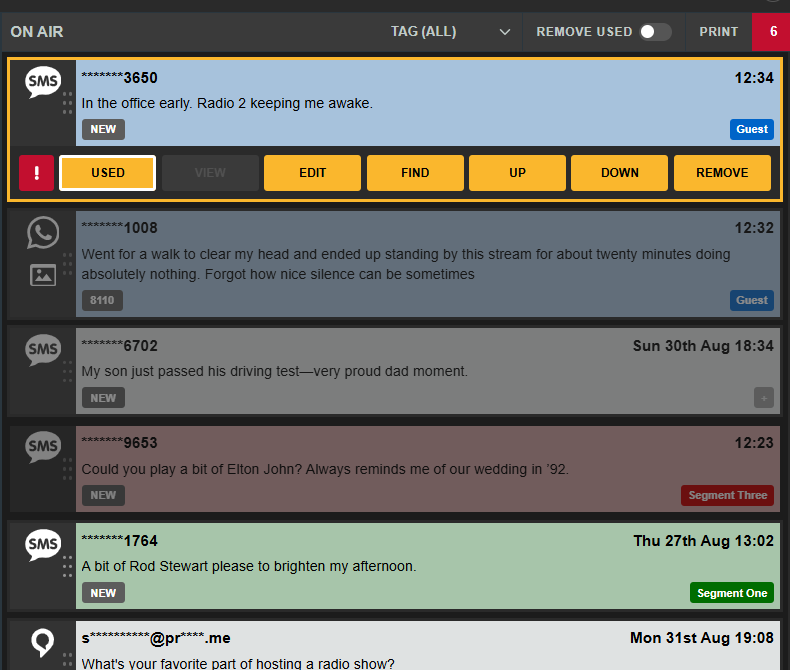
Dimmed items have been USED but remain in place for reference and to prevent items moving in front of the presenter.