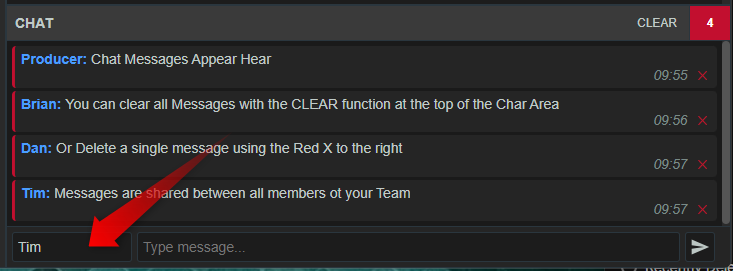
The Team Chat area allows real-time communication between members of the same team.
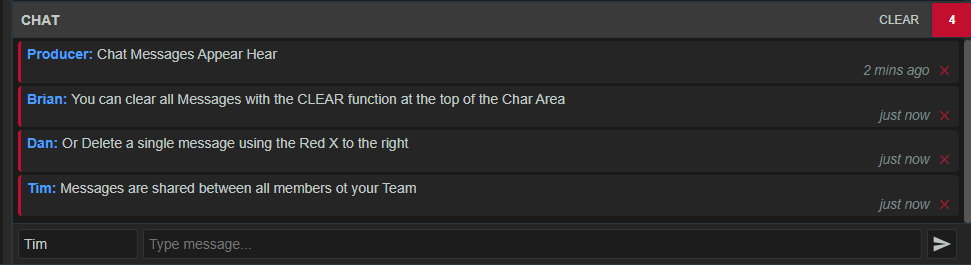
You can type a message into the chat area and it will appear to other team members immediately.
This is useful for:
- editorial coordination
- quick factual notes
- handover between roles
- alerts about a caller or contributor
- coordination during fast-changing live moments
Individual messages can be deleted using the red X to the right of each message.
You can clear all the chat messages using the CLEAR function at the top of the Chat region.
Because chat is separate from audience messages, it gives the production team a private internal communication channel within the same workspace.
You can change the name that will appear for your messages from your system login display name by editing the name area to the left of the Type Message field.