
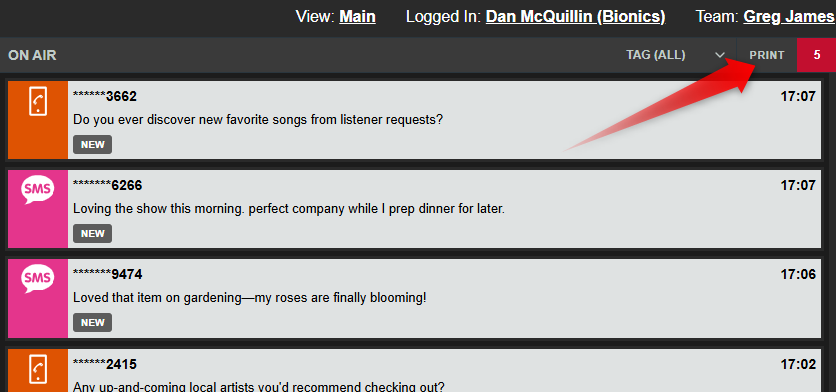
The Print option allows you to produce a clean, readable paper copy of the messages currently in the On Air Queue.
This can be useful for:
- Presenter reference during live programmes
- Backup workflows during technical issues
- Sharing selected audience messages away from the main console
- Producing physical running sheets or contest entries
Only the messages currently in the On Air Queue are included in the print preview.
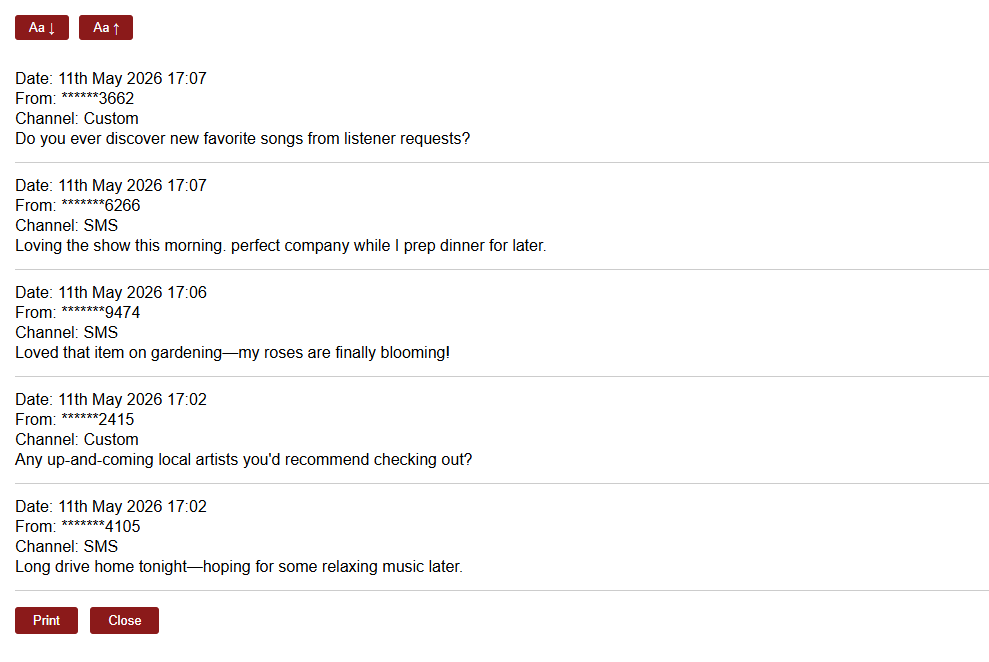
The buttons at the top of the page allow you to increase or decrease the text size for easier reading.
At the bottom of the page, use Print to send the messages to an attached or network printer, or Close to close the print preview tab.