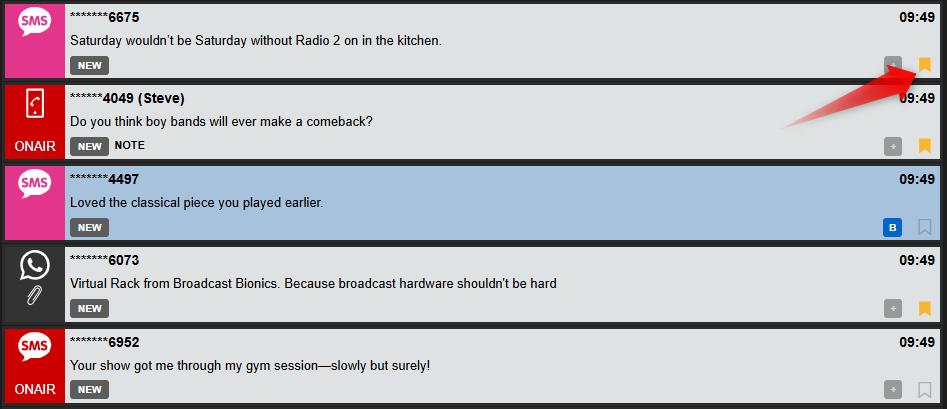
Clicking the bookmark icon to the left of each item in the Message Queue allows you to rapidly toggle a bookmark on a Message to enable you to quickly return to it later.
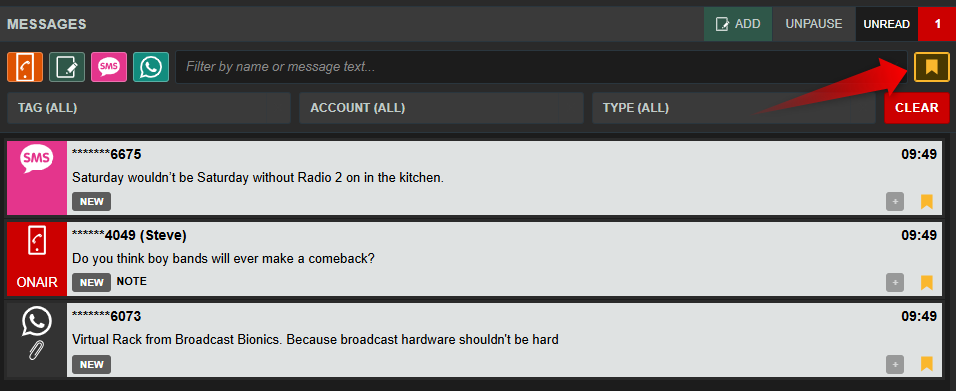
You can rapidly switch to view only your bookmarks using the bookmark filter key to the right of the filter area.
Bookmarks are shared by members of your team.
Clicking a selected bookmark icon to cancel/remove the bookmark on that message.
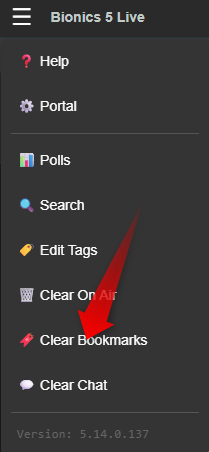
You can also remove all bookmarks from the “Hamburger” menu.
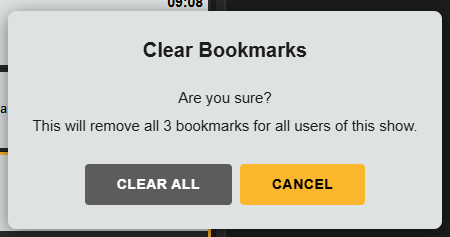
This will ask you to confirm you wish to remove all bookmarks for your team.