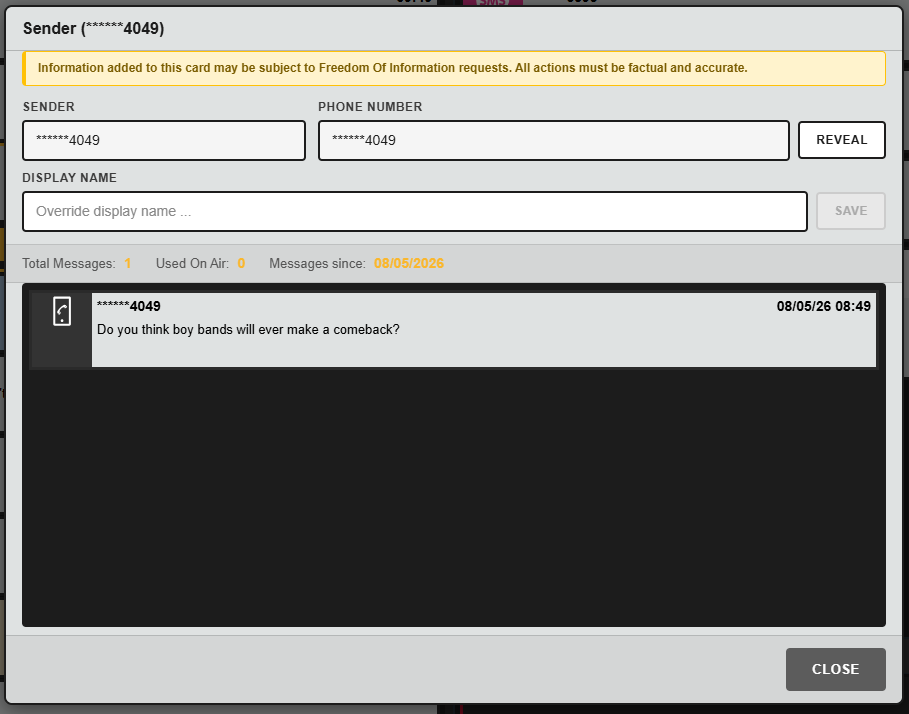
The SENDER window provides additional information about the sender of each message.
Phone Number Visibility
By default, the sender’s phone number is partially hidden to maintain privacy, with only the final digits shown.
Users with the appropriate permissions can reveal the full phone number. This action is audited, meaning the system records which user revealed the identity information and when.
Adding a Display Name
You can add a display name to help identify a contributor.
For example, if you recognise the sender as “Steve”, you can attach that name to their number for your team’s reference.
Display names are team-specific. They help your team recognise repeat or trusted contributors, but do not affect how the sender appears to other teams.

History
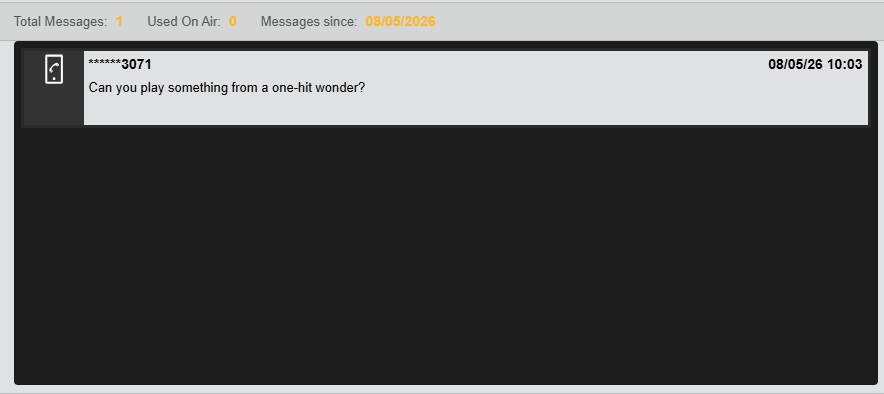
The Sender window also shows recent message history from that contributor, helping you understand previous interactions and identify repeat/frequent senders.