
Within Bionic Cloud each team has its own set of message sources and accounts assigned to it. These may be exclusive to that team or shared across the brand.
Your selected team determines:
- which permissions and features are available to you.
- which message sources you can see.
- which On Air Queue you are working in.
- which team chat you are part of.
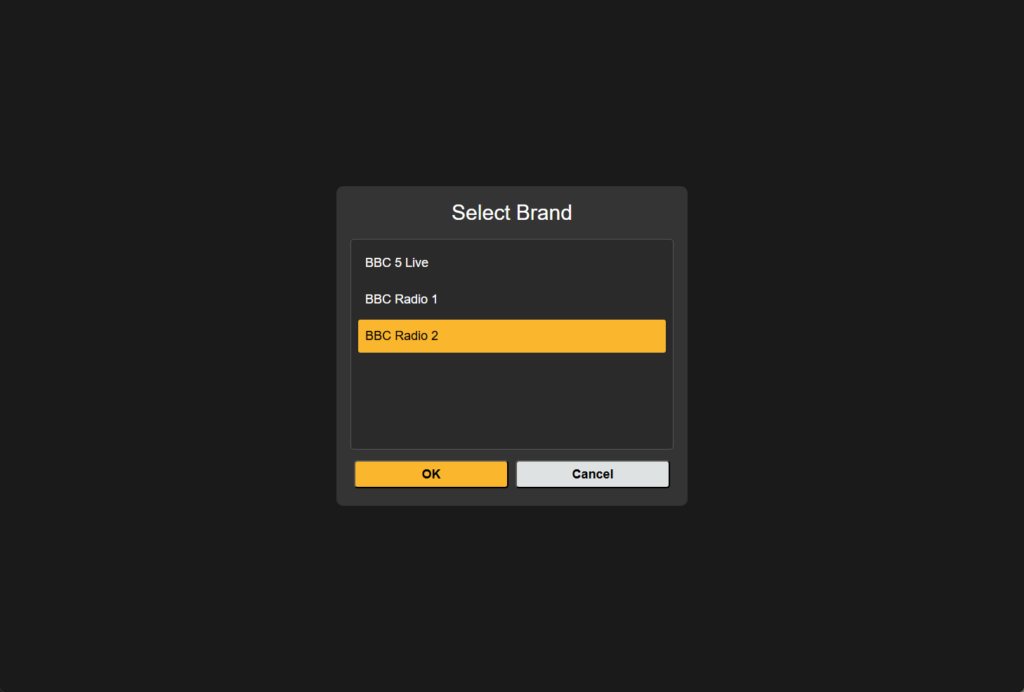
If your user has access to more than one team when you log in to the system you will be asked to select the brand:
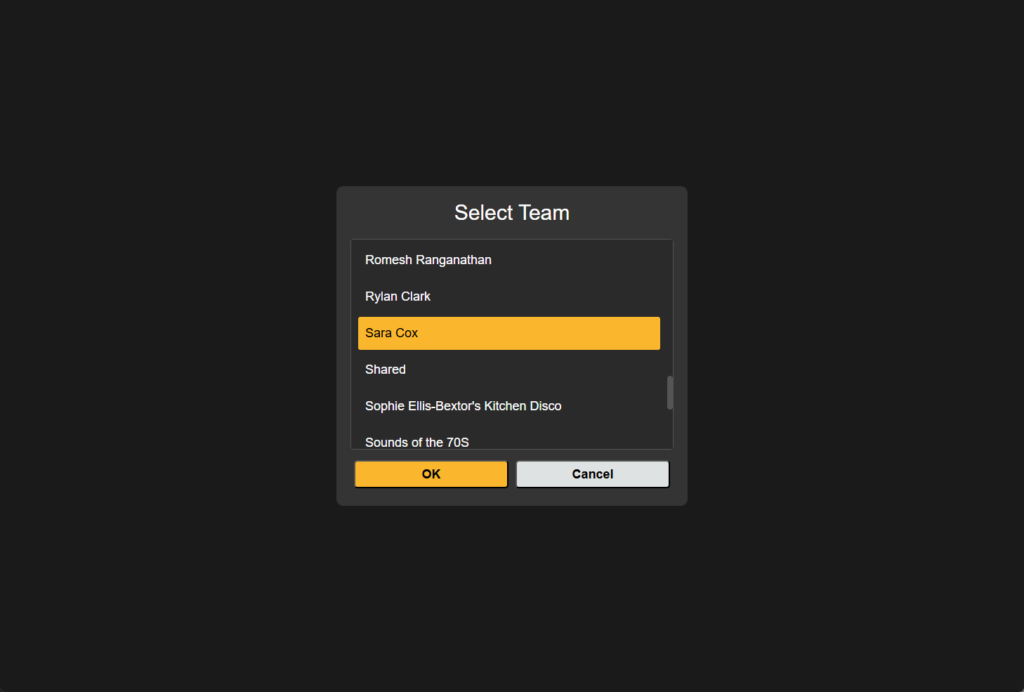
And or the team you are working on today:
You will then see the console for your selected team.
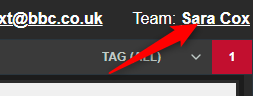
In the main window the team shows at the top right, if you wish to switch to a different team clicking on the active team takes you back through brand and team selection.