
The Message Queue is live, so new messages continue to arrive as you work. To make it easier to review messages without the list moving underneath you, the queue can be paused.
There are two ways the Message Queue can be paused:
- automatically, when you select a message
- manually, while you are monitoring the queue by clicking PAUSE
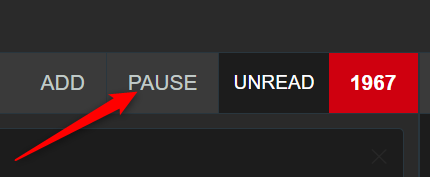
Automatic pause when a message is selected
When you select a message in the Message Queue, the queue pauses automatically.
This prevents new messages from shifting the list while you are:
- reading a message
- moving between messages
- editing content
- tagging a message
- deciding what action to take
Automatic pause helps you stay focused on the selected item without losing your place.
When you finish and come out of the selected message, the queue can resume and continue showing new arrivals.
Manual pause while monitoring messages
You can also pause the queue manually, even when you are not working on a selected message.
This is useful if you want to:
- watch the queue more carefully
- scroll up and review earlier messages
- stop the list moving temporarily
- monitor messages at your own pace during a busy period
Manual pause gives you more control over the queue when the incoming flow is moving quickly.
Pending messages while paused
While the queue is paused, new messages do not disappear. Instead, they are held back until the queue resumes.
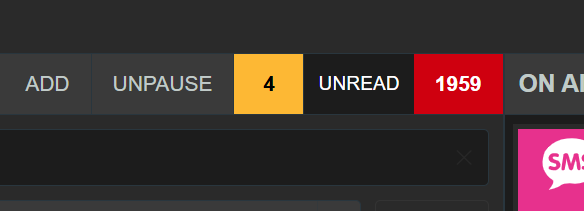
A number shown beside the UNPAUSE control tells you how many messages are pending while the queue is paused.
This number is important because it lets you see at a glance how much new activity has arrived while you were reviewing or monitoring messages.
When you unpause the queue, those pending messages are then added into the visible live queue.
Pausing the queue is especially helpful during fast-moving live programmes, but it is important to remain aware of how many messages are waiting.