
Social Blocks are used to prevent messages from a particular sender or identity from appearing within selected areas of the system.
Block requests can be created from within the audience application and are then reviewed by an administrator in the Configuration Portal.
A block can be applied at a specific Show level or, where permitted, across a wider scope. Blocks can also be configured to expire automatically or remain in place indefinitely.
Pending Block Requests
The Pending view shows block requests that have been submitted through the system and are waiting for an administrator to review them.
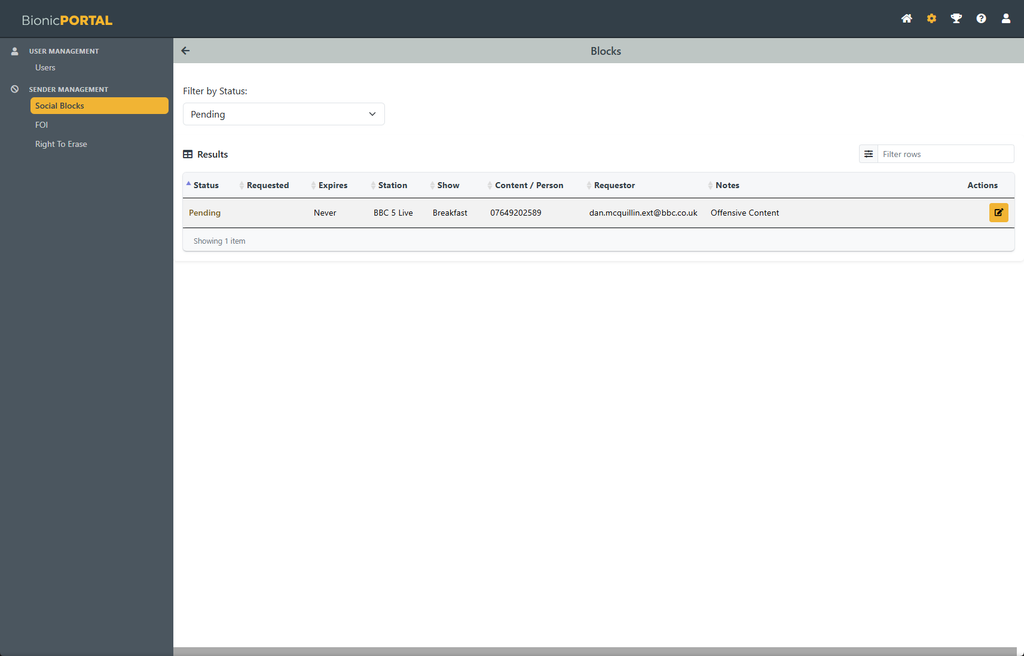
Each request shows the relevant information, including:
- the current status;
- when the block was requested;
- when it will expire, if applicable;
- the Station and Show;
- the sender or identity being blocked;
- who requested the block; and
- any notes or reason entered with the request.
Use the Edit button alongside a pending request to review it.