
Once a Draw has been created, it can be managed while it is running without changing its overall configuration.
Opening and Closing a Draw
A Draw normally opens and closes automatically according to its schedule.
Where required, you can also open a Draw early
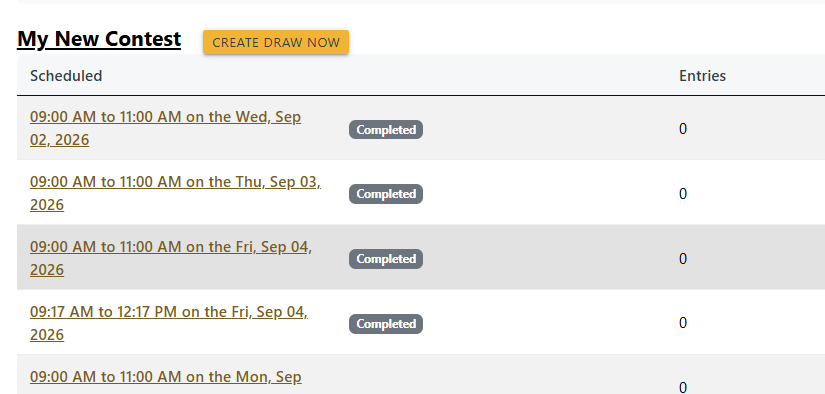
Opening a Draw early allows it to begin accepting eligible incoming messages immediately.
Closing a Draw early by pressing CLOSE DRAW stops any further messages being added to the Draw. Messages already received remain available for review and winner selection.
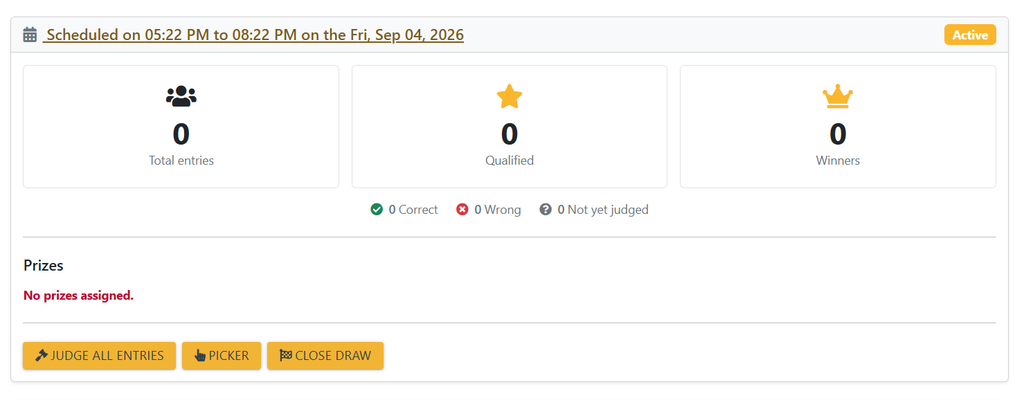
This is useful where a competition needs to start sooner than planned, has received enough entries, or needs to be stopped during a live programme.
Adding Manual Entries
Entries can also be added manually where an entrant has not arrived through one of the configured messaging Sources.
Choose ADD ENTRY TO DRAW and enter the relevant entrant or message details.
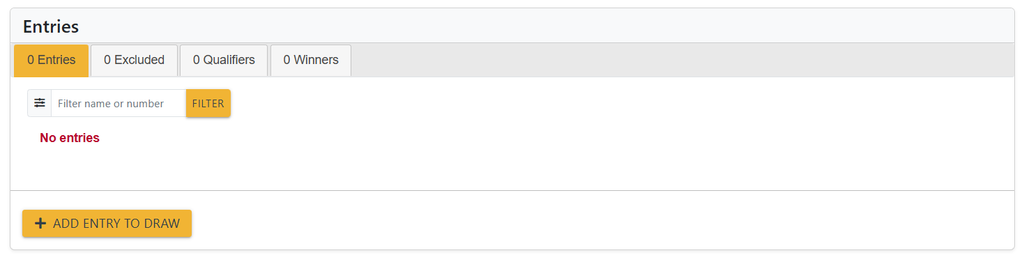
Manual entries are added to the Draw alongside messages received automatically and can be included in the same winner-selection process.
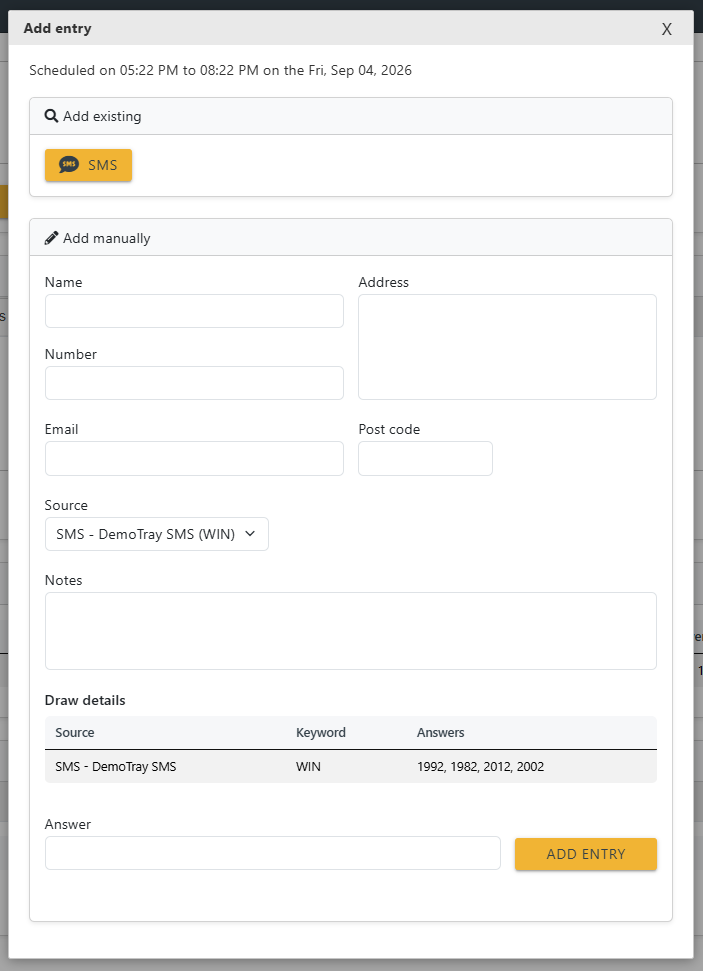
This can be useful for entries received by another route, such as a telephone call, studio entry or other approved method.
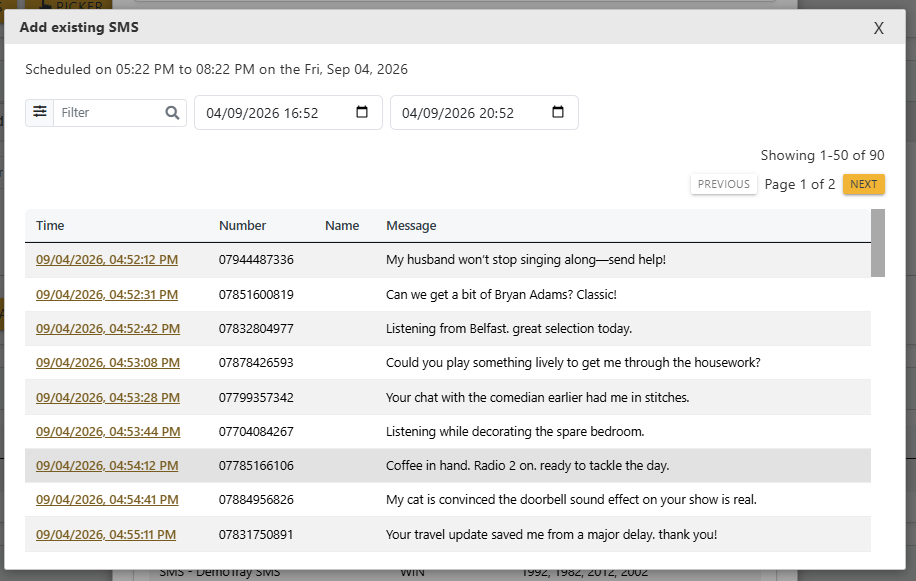
Clicking on one of the feeds in Add Existing allows you to select a message from on of the accounts.
Reviewing Entries
You can review the entries received by a Draw at any time.
Entries remain associated with the Draw after it has closed, allowing the Draw to be reviewed and winners to be selected after the competition has finished.
Opening or closing a Draw affects whether new entries are accepted; it does not remove entries that have already been received.